Dark Mode (Current User)
The Dark Mode option in the Current User menu provides Catalyst users the ability to easily switch between light mode (the default) and dark mode for the Catalyst application. Dark mode provides a darker color theme that switches the interface from a light background with dark text to a darker color scheme, featuring dark backgrounds with light-colored text and UI elements. Dark mode can help reduce eye strain, improve readability, enhance the overall user experience through greater personalization, provide a modern and professional visual appeal, and may also help save battery life on OLED or AMOLED devices.
Note: The dark mode setting is saved automatically for the user, so it stays the same even if they log out and log back in, or open another Catalyst panel in a new tab.
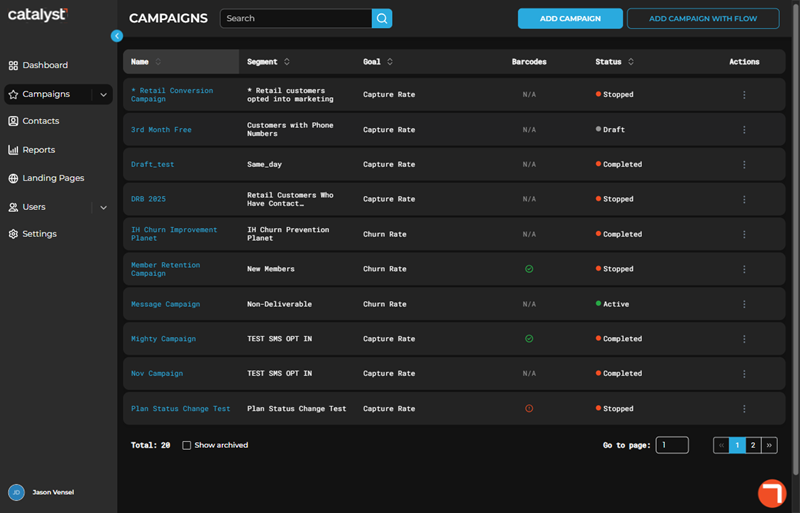
Disabled
The Dark Mode function is disabled by default. When disabled, the Catalyst application is presented in light mode.
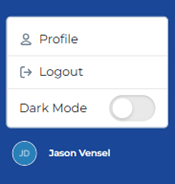
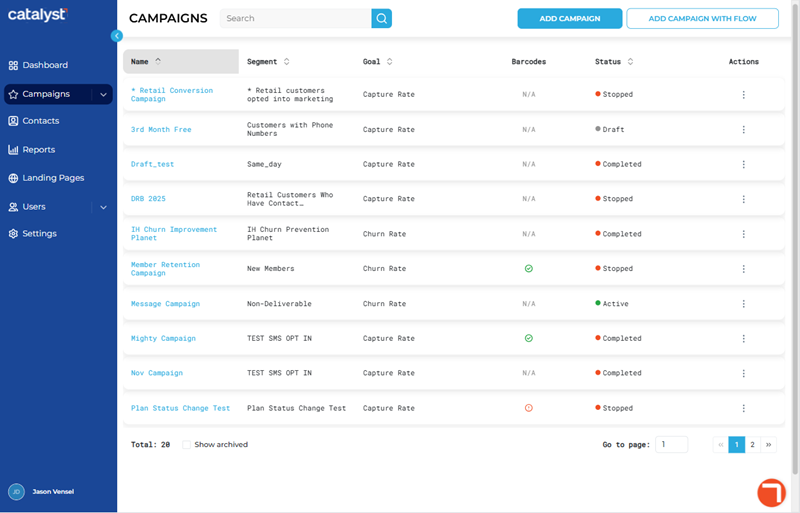
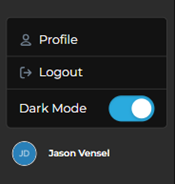
Enabled
The Dark Mode function is accessible from the current user menu. When enabled, the Catalyst application is presented in dark mode.
Updated: 081026