Log Out of Catalyst
Use the following steps to log out of Catalyst. See Log In for steps to log back in to Catalyst.
- From Catalyst, locate the logged in user profile's name (bottom left corner).
- Select the user profile's name. The user profile menu opens.
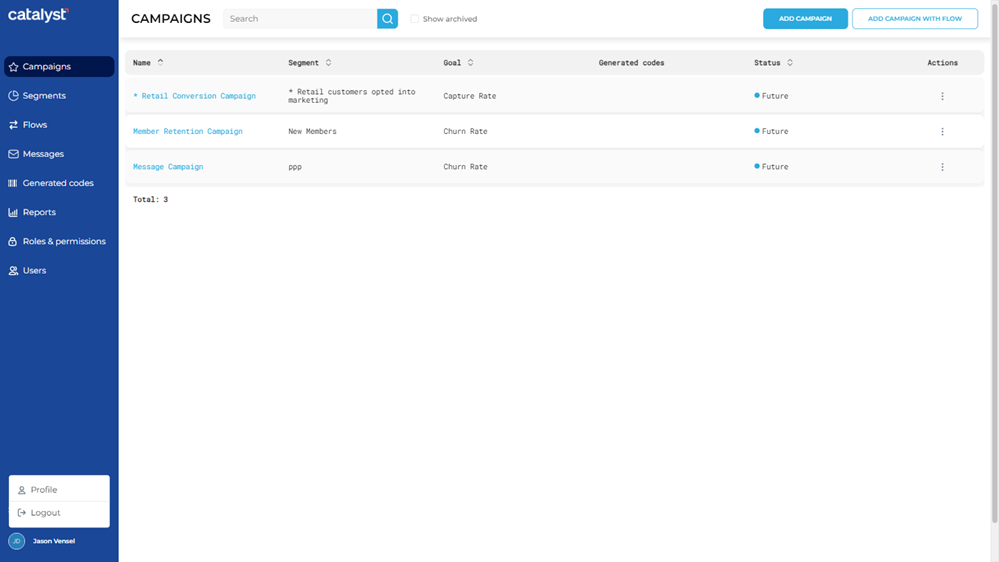
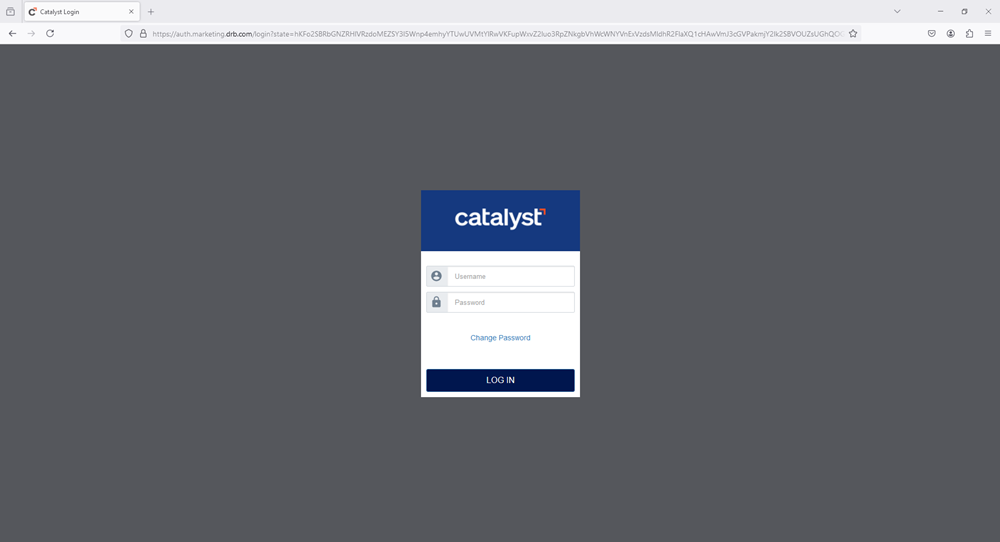
- Select Logout. The user is immediately logged out and the web browser opens the Catalyst login dialog at catalyst.drb.com
 .
.
Updated: 062824