USER PROFILE (USERS)
The User Profile panel, accessible by selecting a user's name or Edit (under Actions) from the Users panel, provides the ability to view or edit a Catalyst user's profile. It consists of three (3) sections: Personal, Roles, and Status.
Important: Unlike the Add User panel that is used to create and configure a new Catalyst user, the User Profile panel doesn't include a Password section. A user's password can only be changed from the Profile panel in Catalyst.
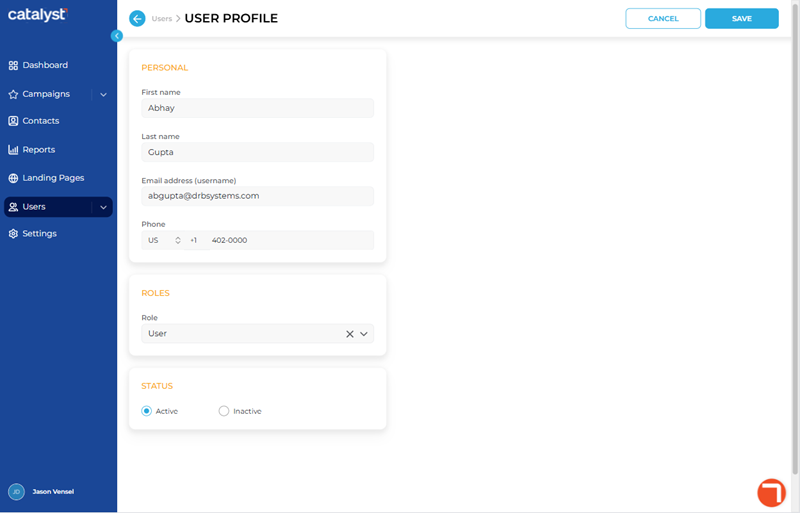
PERSONAL
The Personal section contains configuration for the user's name, email address (Catalyst username), and phone number.
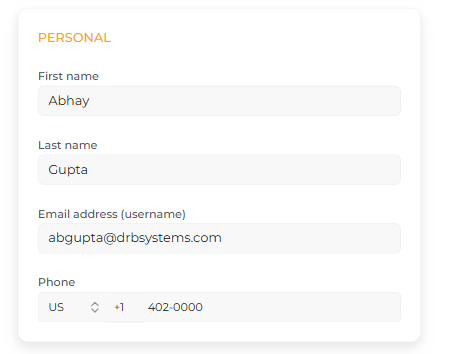
First name
The First name settins provides the ability to change the user profile's first name. The maximum length is 100 characters.
Last name
The Last name settins provides the ability to change the user profile's last name. The maximum length is 100 characters.
Email address (username)
The Email address (username) settins provides the ability to change the user profile's email address. This also serves as the user profile's username, which is used to sign in to Catalyst. Note: It must be unique; it can't be identical to any other user's email address.
Phone
The Phone settins provides the ability to change the user profile's contact phone number, with country code (selected from a pre-defined list). The phone number must be numeric values only, with no hyphens and no spaces.
ROLES
The Roles section contains configuration for the user's Catalyst role, which controls their permissions to view and/or use Catalyst features.
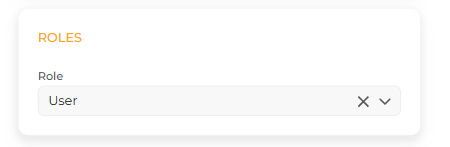
Role
The Role setting provides the ability to configure the user's permissions level in Catalyst. There are three (3) user roles available. Note: Only users that belong to the Tenant Admin role can add or edit users, so all of these roles are available to be assigned to the user.
STATUS
The Status section provides the ability to configure whether the user can sign in to Catalyst.
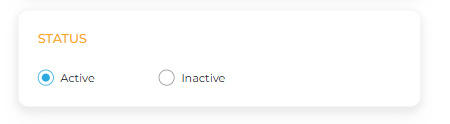
Active
The Active status provides the user the ability to sign in and access Catalyst.
Inactive
The Inactive status prevents the user from signing in and accessing Catalyst.
Updated: 081026