Log In to Catalyst
Use the following steps to log in to Catalyst. See Log Out of Catalyst for steps to log out of Catalyst.
- Open a web browser from a desktop machine with internet access.
- Open catalyst.drb.com
 . The Catalyst login dialog opens.
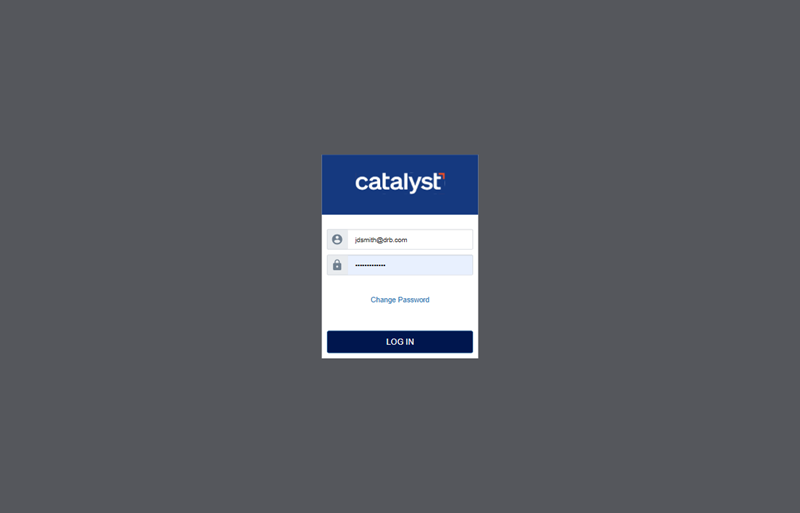
- In Username, enter the Catalyst user profile's username. See Forgot Catalyst Username for information on recovering a username.
- In Password, enter the Catalyst user profile's password. See Forgot Catalyst Password for information on recovering a password.
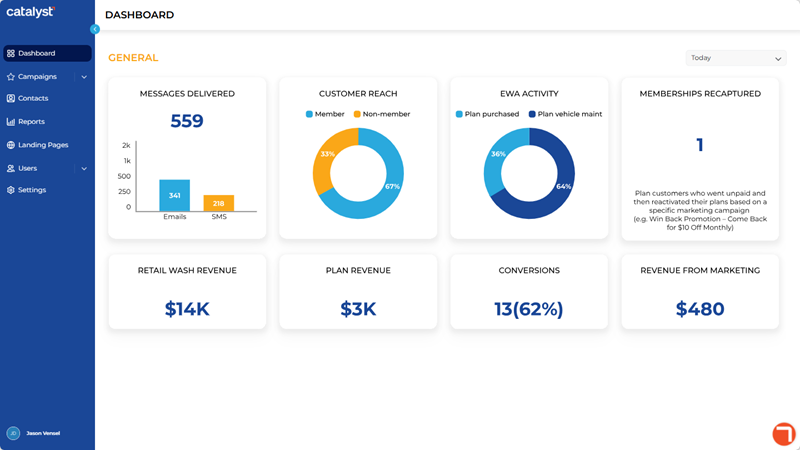
- Select . The Catalyst application opens.
Updated: 081026